> ## Documentation Index
> Fetch the complete documentation index at: https://help.semji.com/llms.txt
> Use this file to discover all available pages before exploring further.
# Comments in Semji
> Conveniently collaborate with your team to provide edits or writing suggestions to the person in charge of the article.
### Why collaborate in Semji?
You can now collaborate in Semji Editor by commenting on drafted content. All users in an organization can comment on the same draft.
> *Note: This feature does not allow simultaneous writing on the same content. If you try to write at the same time as another user, a message will appear informing you that the content is already being optimized. However, several users can comment on the same content, but we do not recommend doing it simultaneously.*
### How to create and access comments?
#### To create a comment, you need to:
* Select which part you want to comment on;
* Click on “Comment”;
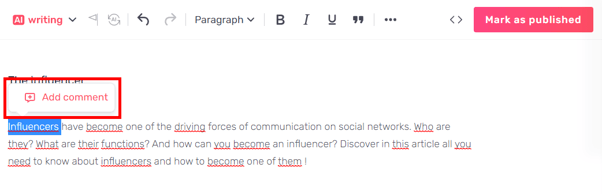 > *Good to know: You can add a new comment to an existing comment. Simply select the section in which you wish to add a comment.
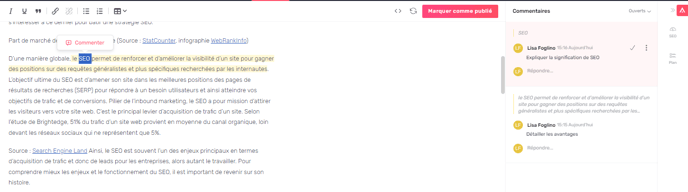 *
* A sidebar opens and displays all the comments in this draft.
*
* A sidebar opens and displays all the comments in this draft.
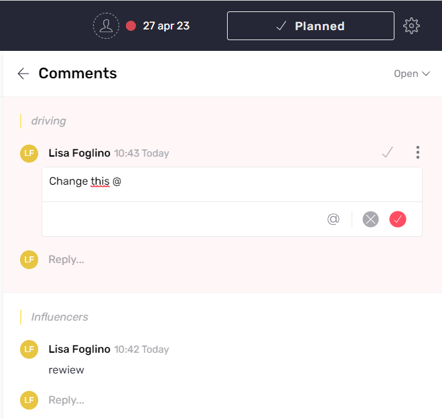 * Once a comment is posted, you can delete it or edit it to make a change.
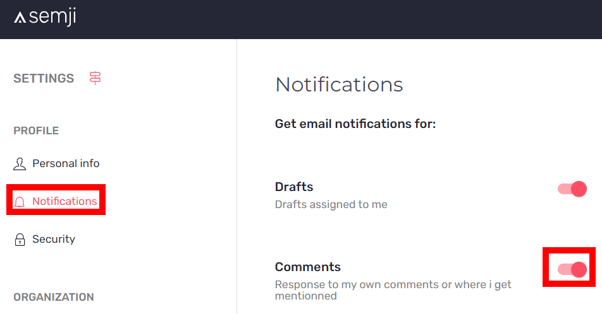
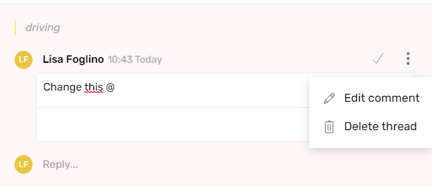 You can also tag users in comments. The user will receive an email notification when a comment has been added to the draft.
> *Note: The user assigned to the draft will automatically receive notifications about their draft.*
>
> *Remember to check if your notifications are enabled in Semji's settings.*
>
> *
You can also tag users in comments. The user will receive an email notification when a comment has been added to the draft.
> *Note: The user assigned to the draft will automatically receive notifications about their draft.*
>
> *Remember to check if your notifications are enabled in Semji's settings.*
>
> * *
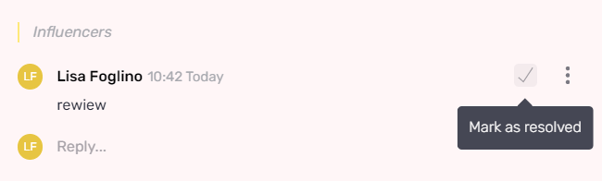
Once done with a comment, you can "Mark as resolved" to close it. The comment will be grayed-out in the editor, which means that it has been resolved.
*
Once done with a comment, you can "Mark as resolved" to close it. The comment will be grayed-out in the editor, which means that it has been resolved.
 #### How to access the comments list:
To find all the comments in a draft, simply click on the tab at the top right of the Content Score to open the comments window.
#### How to access the comments list:
To find all the comments in a draft, simply click on the tab at the top right of the Content Score to open the comments window.
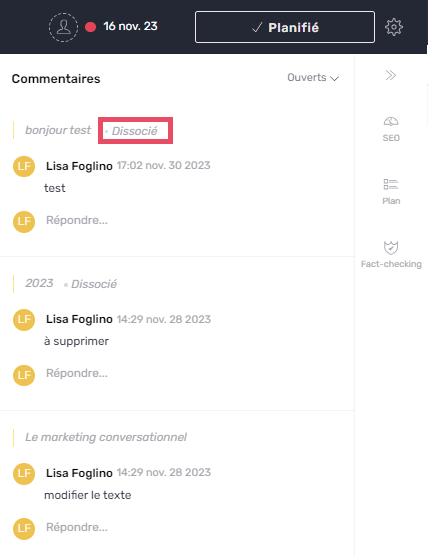
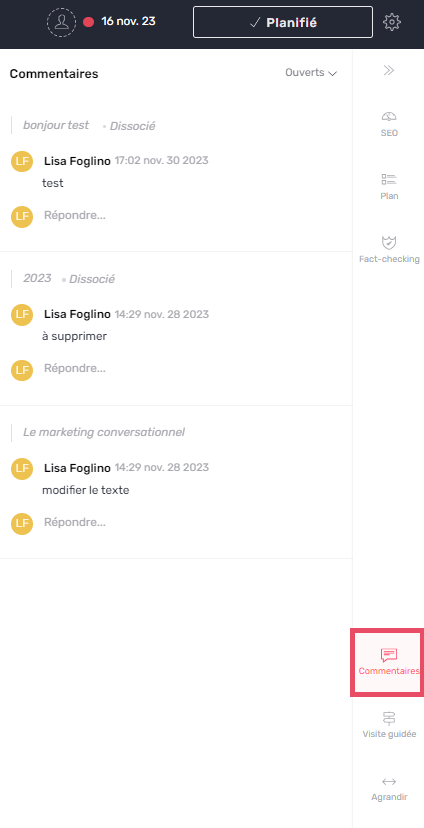 > *Good to know: you can now view your comment history. Once a comment has been processed, you can view it as “Disassociated”. This will enable you to see all the comments after the various modifications or deletions of the part concerned.
 *
#### What are the different types of comments?
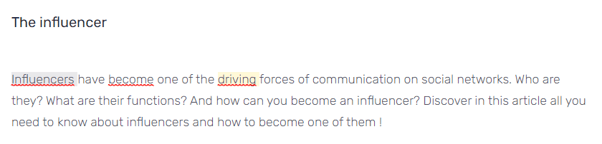
In the editor, review the text areas that have been commented on.
Yellow comments represent open conversations and grayed-out comments are resolved ones.
*
#### What are the different types of comments?
In the editor, review the text areas that have been commented on.
Yellow comments represent open conversations and grayed-out comments are resolved ones.
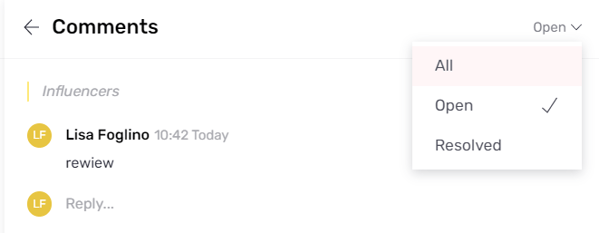
 Use the filters to quickly find the different comments:
All: to find all comments
Active: to find active conversations only
Resolved: to find closed comments
Use the filters to quickly find the different comments:
All: to find all comments
Active: to find active conversations only
Resolved: to find closed comments
 > *Note: You can add as many comments as you want in a draft.*
You can now collaborate and comment in the same draft!
This documentation is built and hosted on [Mintlify](https://mintlify.com), a developer documentation platform.
> *Note: You can add as many comments as you want in a draft.*
You can now collaborate and comment in the same draft!
This documentation is built and hosted on [Mintlify](https://mintlify.com), a developer documentation platform.