

 Home
Home Getting Started
 Help Center
 Developer
 Status
Which languages are generated by Semji?
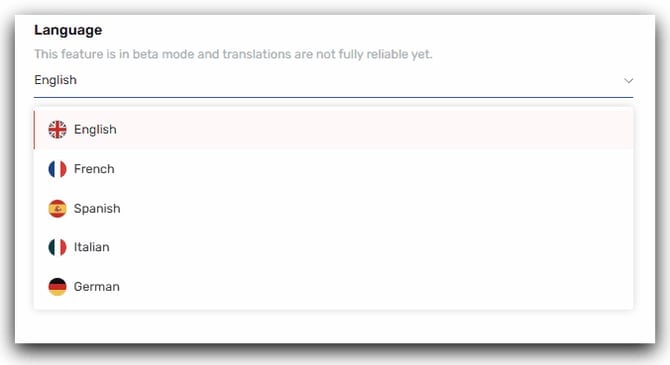
Semji supports 5 languages:- English
- German
- French
- Spanish
- Italian
- German
How to change the language of a workspace?
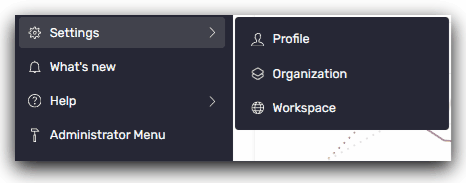
To set the language of a workspace, follow these steps:- Go to the left-hand side menu
-
Click Settings -> Profile
- Select the language of your choice
You can also find out more about: Semji’s languages and localizations here.