

 Home
Home Getting Started
 Help Center
 Developer
 Status
Configuration Steps 🔧:
-
Creating a Knowledge Base 📊
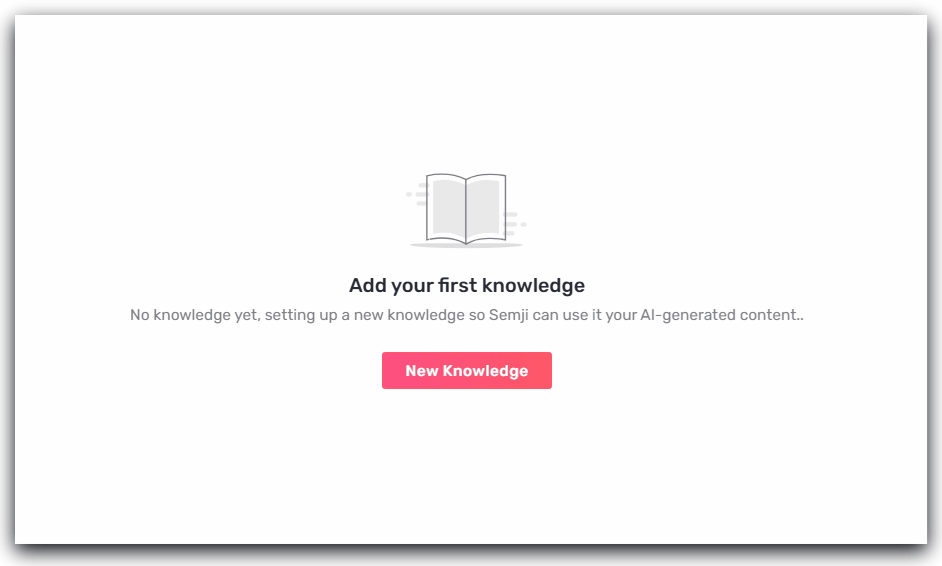
Start by creating a new database in Semji. To do this, go to the “AI+” tab and click on “Knowledge Base.”
-
Adding Information Sources 🌐
Next, enrich your base with relevant sources to ensure the quality of your AI-generated content.- URL: Add links to specific web pages that the AI can analyze to extract data.
- Text Files and Documents: You can also upload documents in various formats (PDF, TXT, DOCX, XLSX) to enrich your knowledge base.
Good to Know 💡:
- Only text information is extracted; images are not currently supported, regardless of the format.
- Files are limited to 10MB.