

 Home
Home Getting Started
 Help Center
 Developer
 Status
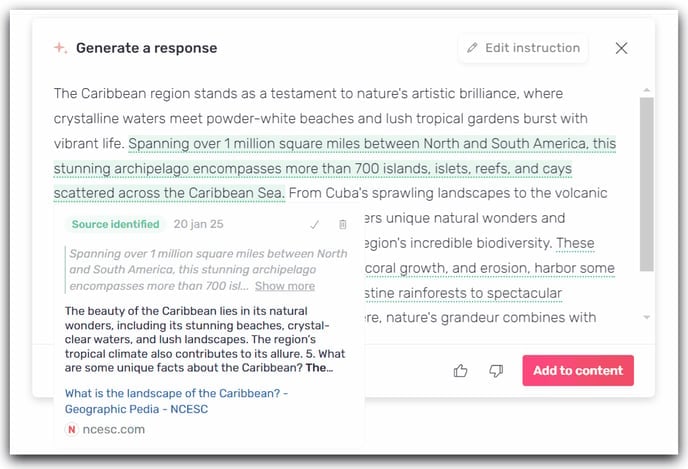
- Green: A source has been identified. It is verified and reliable.\
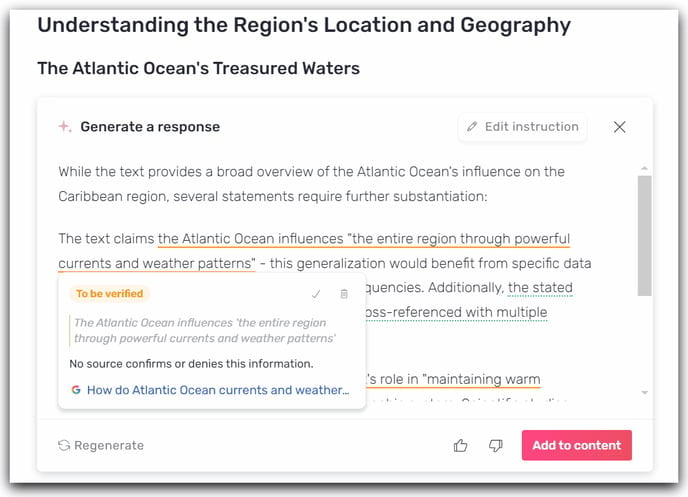
- Orange: This source needs to be verified. Semji makes it easy for you by integrating an associated Google search.
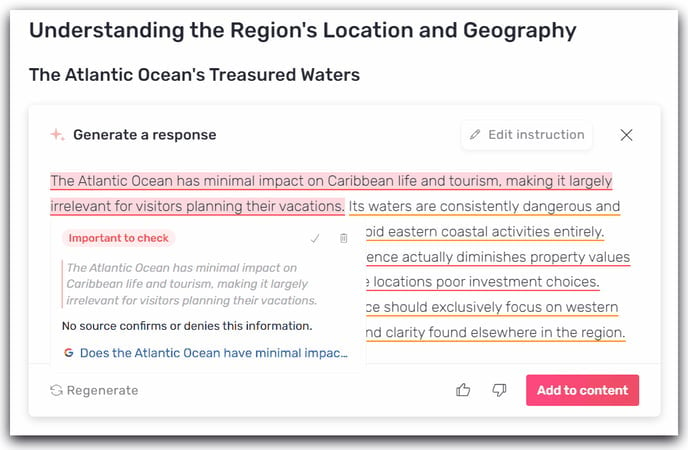
- Red: This information is not reliable. It is important to verify this information using the associated search.
Step 2: Start text generation with Atomic Content or AI+Content
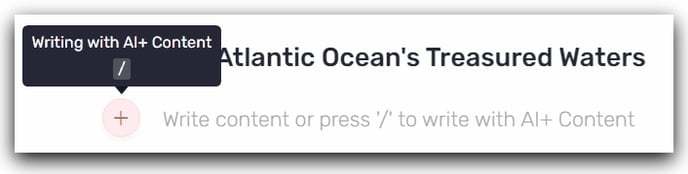
AI+ Content:
Type/ or click on + to start text generation.
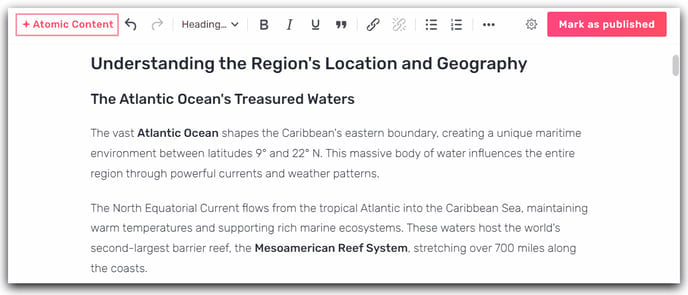
Step 3: Integrate the text into your draft and analyze the reliability of the information
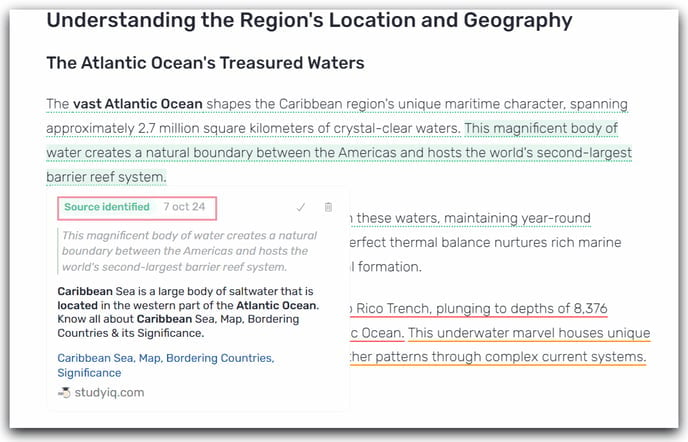
Once the content has been produced, you can add it to your content and view the different levels of Fact Checking: verified source, to be verified and important to verify.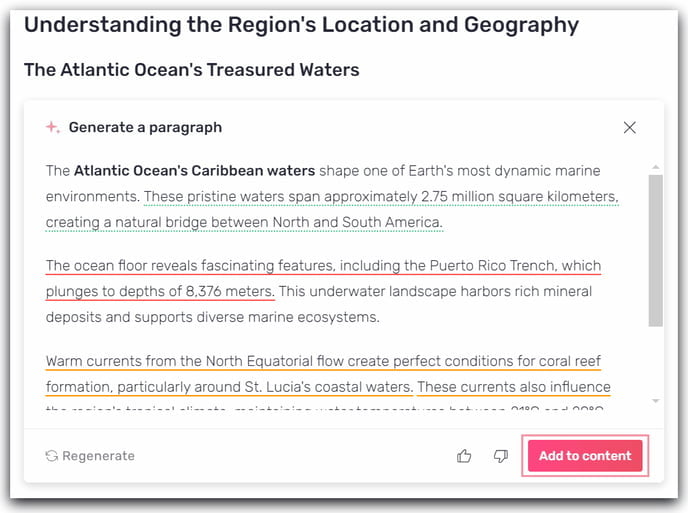
Step 4: Edit content and ensure the production of quality content for your audience.
Once your content is integrated into the editor, you can proceed with source analysis and content modification. Each source can be accessed by clicking on the link. You can view all sources in the sidebar on the right under the “Fact Checking” menu.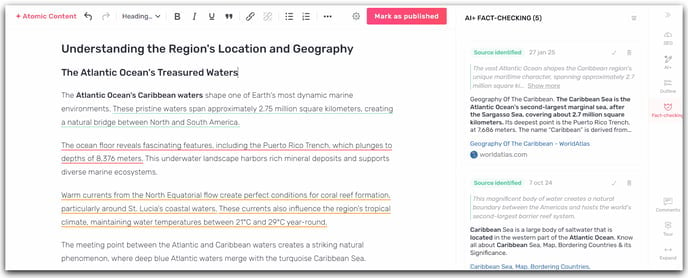
Good to know 💡:
- You cannot use this feature on text previously generated by AI, or on text that you have written yourself.
- The Fact Checking feature applies to Atomic Content, AI+Content (title, meta description, introduction, outline, paragraph) and FAQ generation.
- Using Fact Checking results in a doubling of credit consumption.