

 Home
Home Getting Started
 Help Center
 Developer
 Status
Why export the credit report?
Within the settings, quickly identify the number of credits allocated to your Organization in the “Billing and invoicing” tab.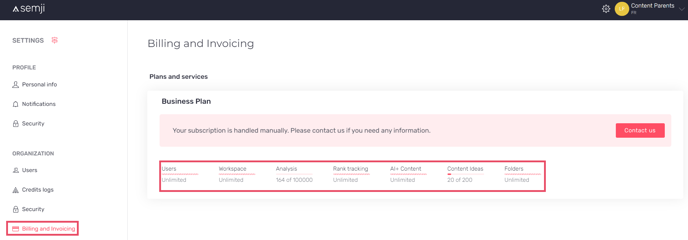
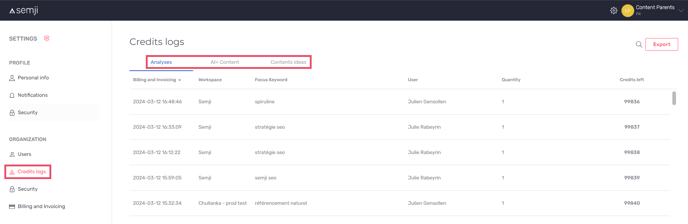
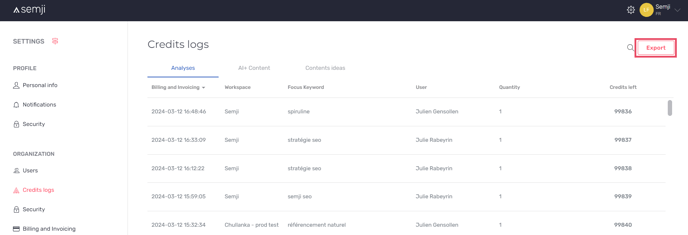
- The debit date
- The workspace concerned
- Focus Keyword
- User
- Quantity of credits
- Credits left
Step 2: Go to settings
**
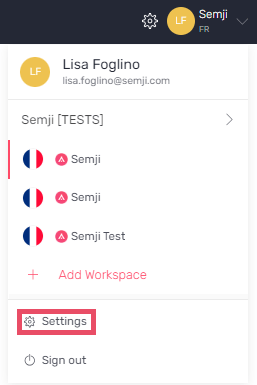
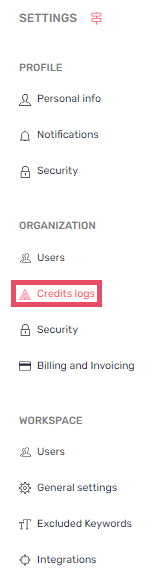
Step 3: Go to the “Credit logs” in Organization tab
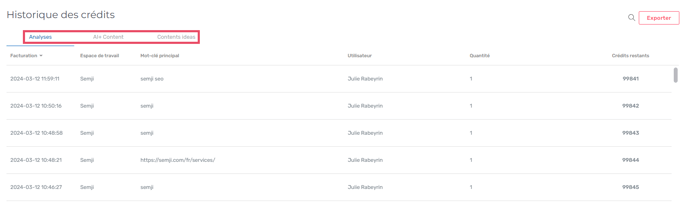
- Analysis
- AI+ Suite
- Content ideas
Step 2: Go to settings
**
Step 3: Go to the “Credit logs” in Organization tab
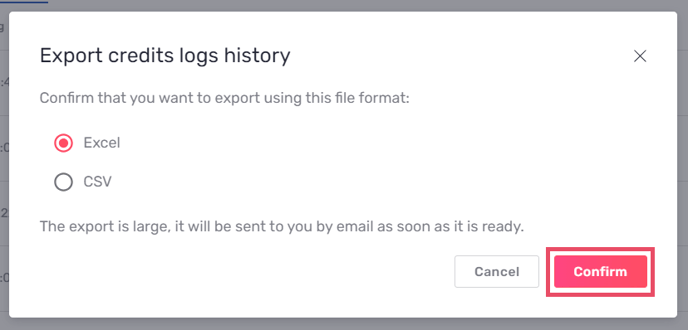
Good to know: If the export is large, it will be sent to you by e-mail.