

 Home
Home Getting Started
 Help Center
 Developer
 Status
Good to know 💡: When optimizing existing content, make sure that the URL is not already included in the Pages tab. If it is not already imported into Semji, you can do so manually using the “__Import” option.The message “A Page with the same URL already exists” appears, because you have created a new draft, but this content already exists and is already available in Semji.
Semji will then import your content directly into the platform.
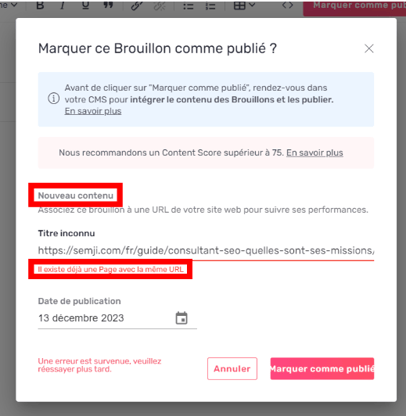
Here are the steps to solve this problem:
Step 1: Search for an existing page in Semji
Go to the Pages tab and use the magnifying glass on the left of the “Import” button to search for the URL or keyword of your content.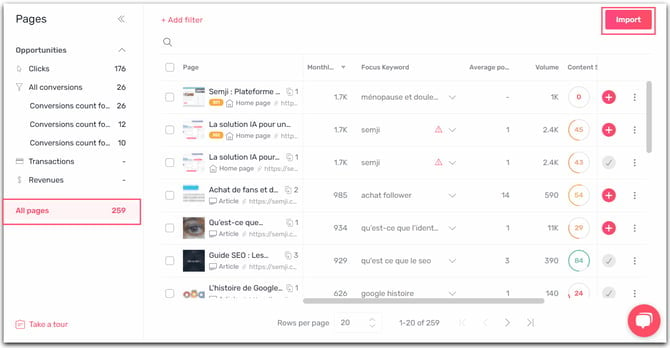
Note: If you can’t find the URL, filter on All pages to make sure you don’t miss it!Step 2:
- Click on existing content:
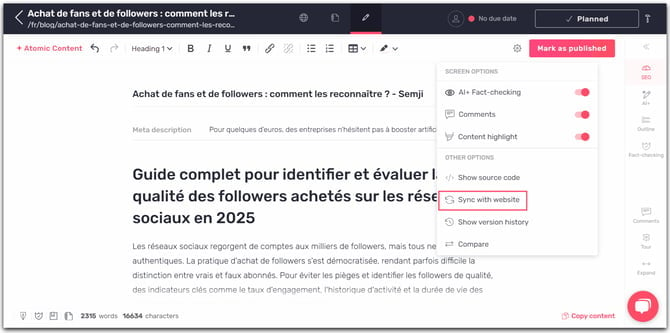
- Click on Mark as published
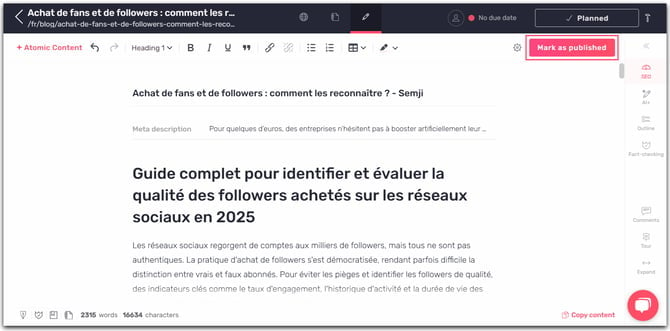
- As the content already exists, the URL is already provided.
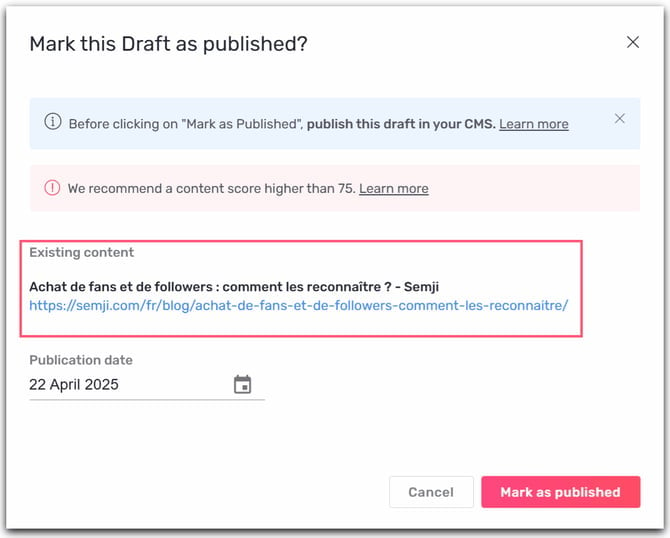
Step 3: Once all your content has been duplicated in the existing version, you can delete the new draft to avoid duplicates in the Planning tab. You can now manage existing content and Mark it as published!