Home
Home Getting Started
 Help Center
 Developer
 Status
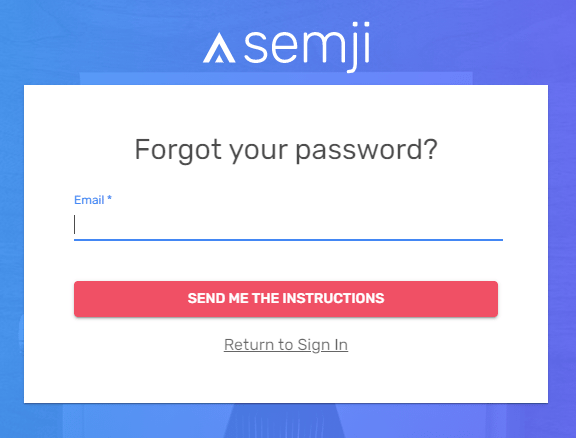
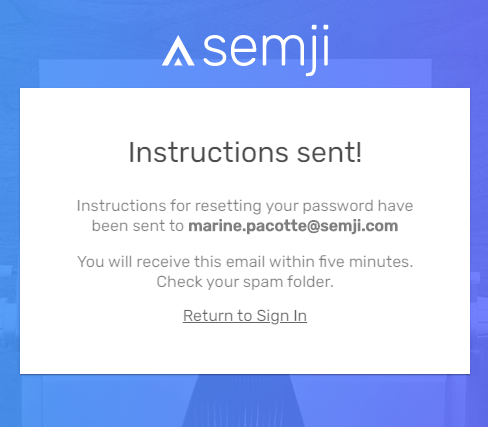
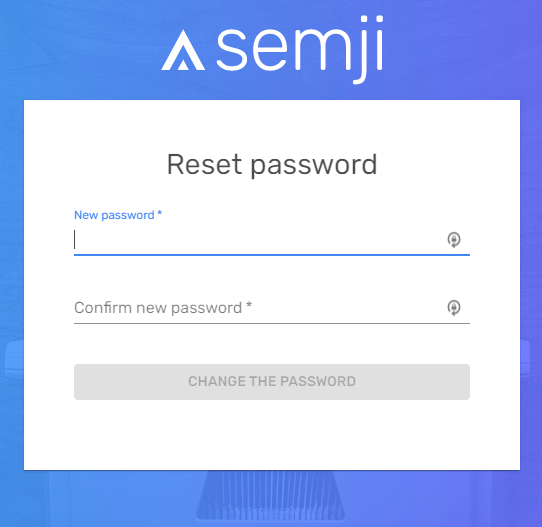
Launch the forgotten password procedure.
When you first logged in, you usually set a password specific to Semji. If you forgot it, click on the link “Forgot your password” in the login screen.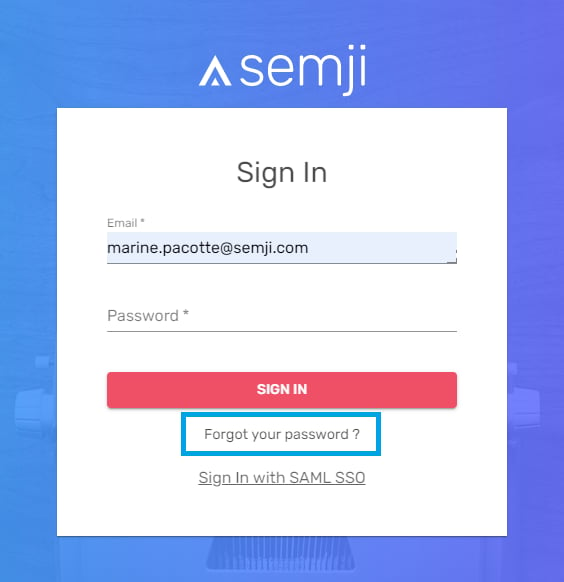


Best practices for a secure password
We recommend a minimum password of 8 characters. This is a prerequisite without which the Semji password change will not be processed.
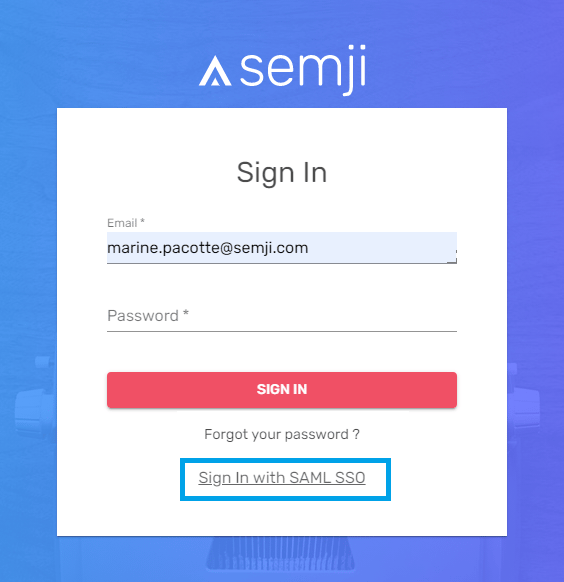
Check if the SSO connection is possible
Your password may not be unique to Semji. If your organization has enabled SAML SSO, your login password on Semji is exactly the same as your password on the other business tools you use within your organization. With SSO enabled, your organization has made it possible to log into the Semji platform from an organization-owned email (often yourname@yourcompanyname), and that email is used to log into many other tools. It is likely that you know or have access to this password (via a password management and memorization solution within your browser for example). So try to connect to Semji by clicking on the “Sign In with SAML SSO” link and enter your usual business email credentials.