

 Home
Home Getting Started
 Help Center
 Developer
 Status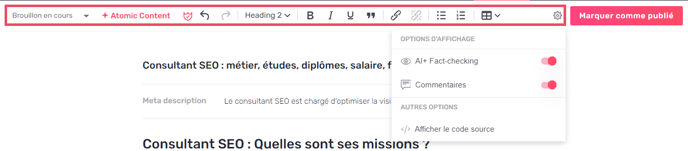
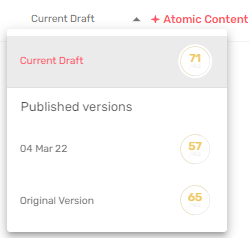
- See the different versions and Content Score changes of your Draft.
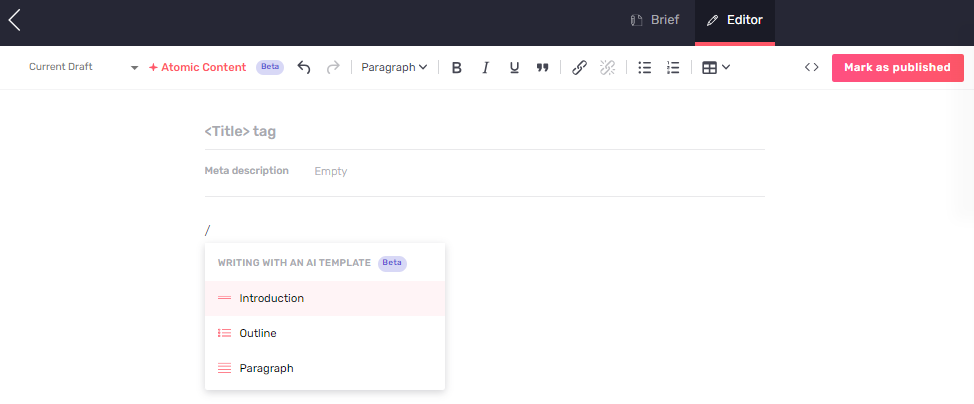
- AI Writing gets a makeover, becoming AI+Content!
- Title
- Meta Description
- Introduction
- Outline
- Paragraphs for each part
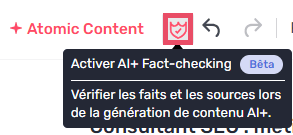
- AI Fact Checking allows you to verify and source AI-generated content by displaying the source’s provenance and the degree of priority given to checking the source. \
- Undo or redo the actions you have performed in the editor.

- Scroll down the paragraph menu to structure your content using Hn markup. You can also view your content’s plan.

- Use bold, italic, highlighting and quotation tags to enhance your content.

- Add links in your content and disable them easily. Choose which part of the text the link will appear in (Text to display). You can also name the anchor (Title) and specify whether the link will open in a new window or not.


- Use bulleted lists to structure your content.

- Easily add a table in the editor.
 When creating a table, different shortcuts enable you to add or remove a row or column.

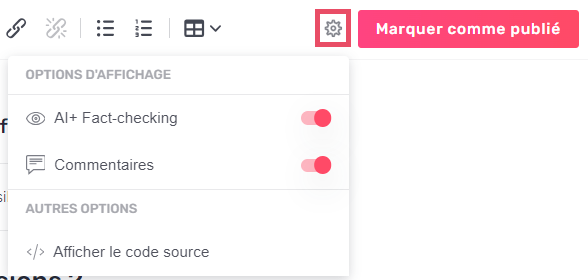
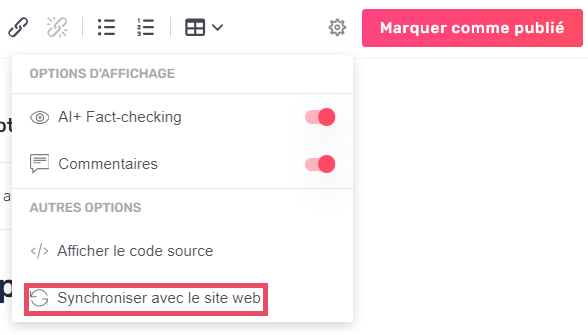
- By clicking on the cogwheel, you can see various options:
-

- Get the latest version of your published content: If your content already exists and changes have been made in the CMS, the “Synchronize with website” icon allows you to update your CMS content in Semji and make optimization recommendations.
- A more powerful content editor;
- Easier copy/paste for long texts in the editor;
- Easily add search intents, questions and related terms using the + in the optimization tab.