

 Home
Home Getting Started
 Help Center
 Developer
 Status
Why use a spell checker?
Because fortunately, SEO Content requires humans to please the Internet user and Google! And who says human also says that mistakes are allowed :) You are not safe from a spelling or grammar mistake (a “typo” as we say in the jargon of writing), has sneaked into your content. Using a proofreading tool saves you an extra step of proofreading by a third party, and saves you precious time in your production process.Important : Semji is now compatible with differents spell checkers
- Google Chrome’s native spell checker
- Language Tool
- Grammarly
- Merci App
How to use a spell checker?
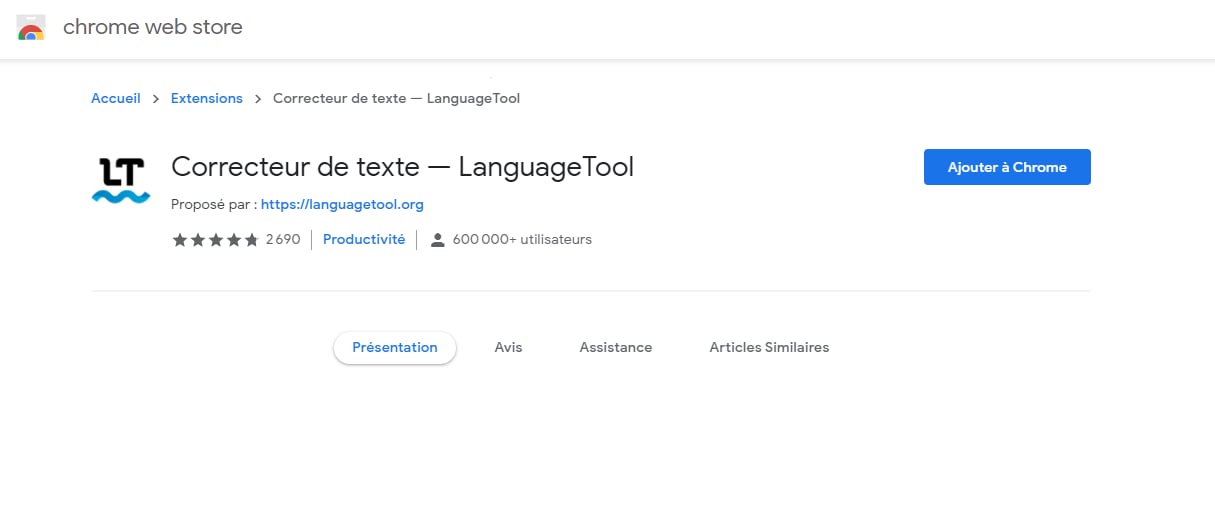
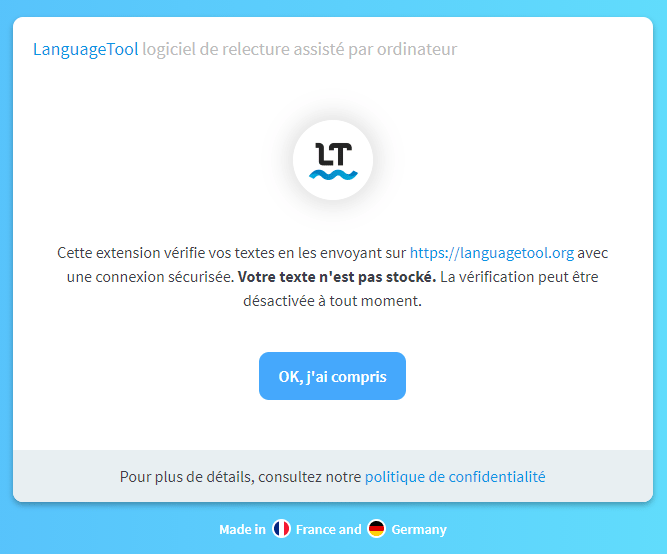
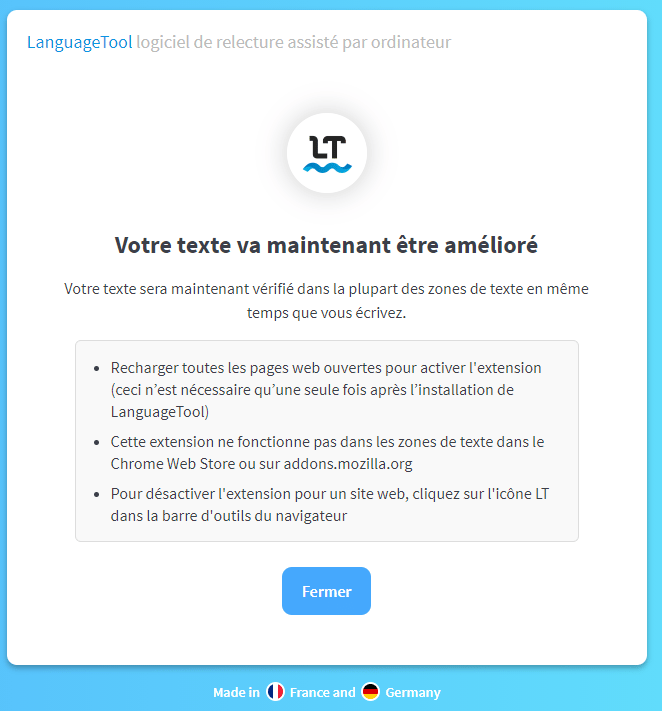
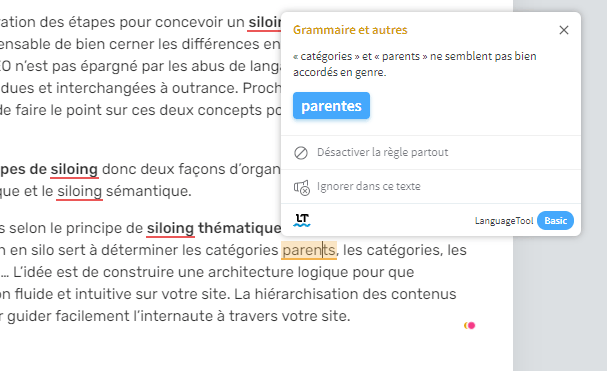
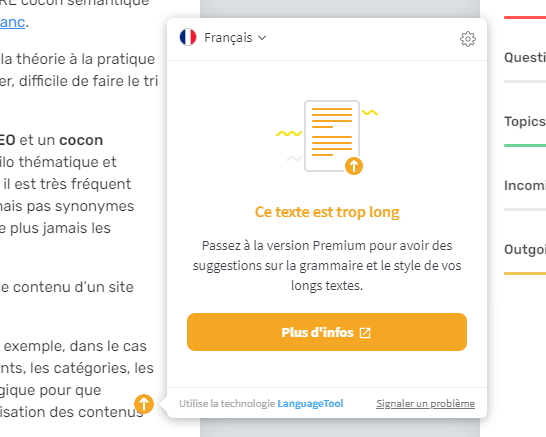
When a writer creates a Draft in Semji, it is ideal that he/she can benefit from a spell checker built-in the platform. We are aware of this, which is why this feature is part of our development roadmap. While waiting for a native spellchecker to be released, we have made changes to our editor to make it compatible with the native spellchecker of the Google Chrome browser, but also with the LanguageTool plugin, Grammarly and MerciApp. Let’s take LanguageTool as an exemple : By connecting to Semji using Google Chrome and installing the plugin in your browser, you will get the free version of the editor, which corrects texts up to 20,000 characters. There is also a paid version at 5€ / month with more features. This plugin works for any web content that you would write in Google Chrome: an email, a newsletter, an article edited in your CMS… Here is the installation process. 1. Go to: https://languagetool.org/fr/ 2. Click on “Install the Chrome extension”. When you click, you are redirected to the Chrome Web Store to add the plugin to your browser.
Did you know ?
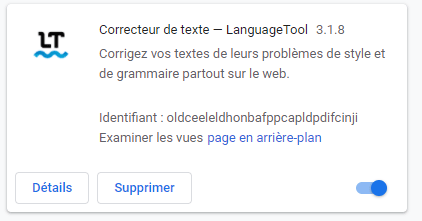
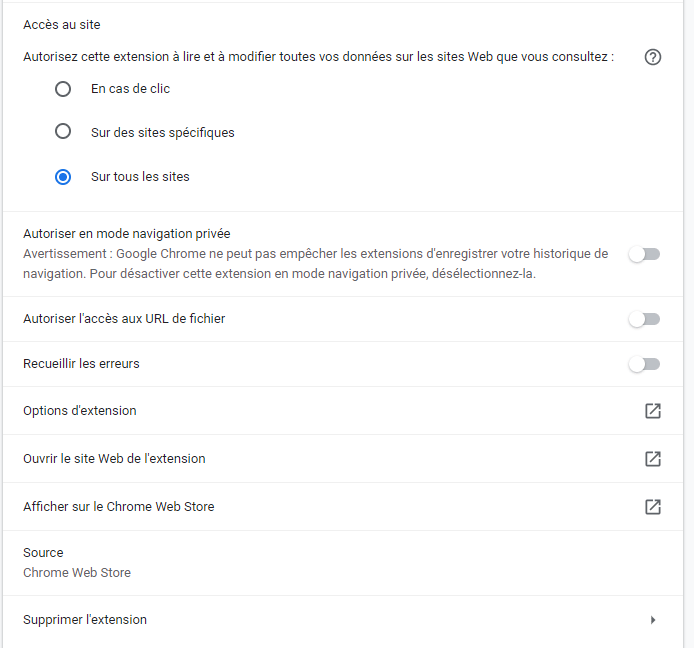
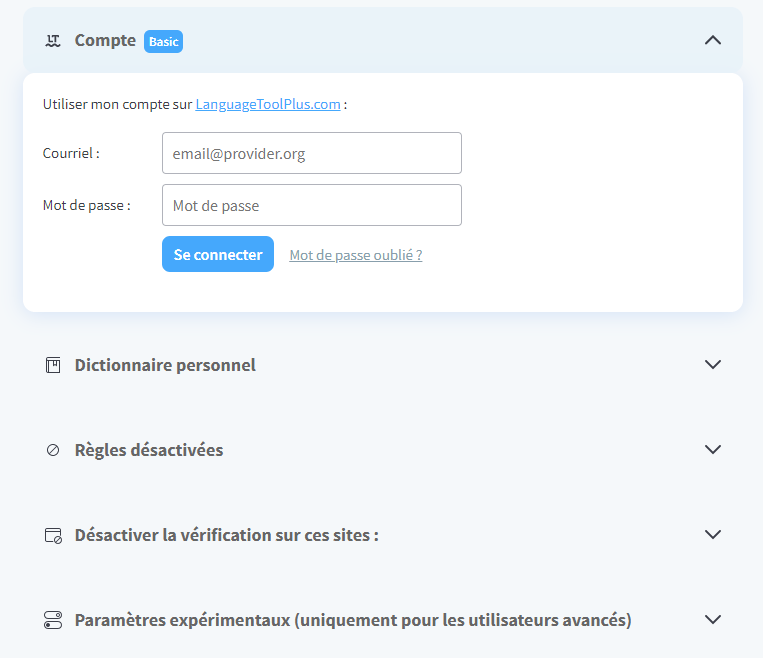
If necessary, you can manage the settings of this extension:- by right-clicking on the address bar of your browser and clicking on “Manage extensions”.
- or in the top right corner of your Chrome browser, click on More (the three vertical dots) and then on “More Tools” and then on “Extensions”.


There are other spellchecking extensions that may work with Semji. Feel free to test your usual application if it is different from the two options proposed here.