Home
Home Getting Started
 Help Center
 Developer
 Status
Why optimize existing content?
According to an Ahrefs study, updated in 2020, 91% of the pages produced on the web do not generate traffic. This is an alarming fact! Imagine that 90% of the writing efforts you and your team employ fall into limbo and that your content is forgotten almost as soon as it is published… The reasons for this, in short:- The lack of backlinks, which as we have seen when discussing the performance criteria of a content, are part of the MUST HAVE to bring authority to a page,
- But also the very “short term” nature of the subject matter, which does not allow the content to generate traffic or interest in a durable manner
- And finally, the fact that a lot of content is not focused on meeting a real user intent.
How to optimize an existing content?
In Semji Platform, existing content that you optimize is found in the Opportunities section of the Pages tab. Once you have optimized and published them, you will see them appear in the Updated Content section of the Reports tab, as opposed to New Content (new content created from a blank page). If you’ve understood the importance of optimizing existing content, you’ll need to take action. Here are the steps to follow to optimize existing content from start to finish:Step 1 : Select the opportunity or import the content url into Semji and choose the Focus Keyword
The first step is to know what content you are going to optimize to boost its performance. You can:-
Select priority contents from the url list that Semji has already imported for you (from 250 to 1000 urls with a Custom plan).To do so, sort these imported contents according to the KPI that best contributes to your business objectives: more clicks, conversions, transactions or more sales. Then check the priority score set by Semji, and choose contents with a high priority. These are contents with the best ratio editorial effort / gain.

- Import urls if your can’t find your priority contents in Semji’s import. Check our article about How to import a URL?.
Step 2: Transform the imported content into a draft
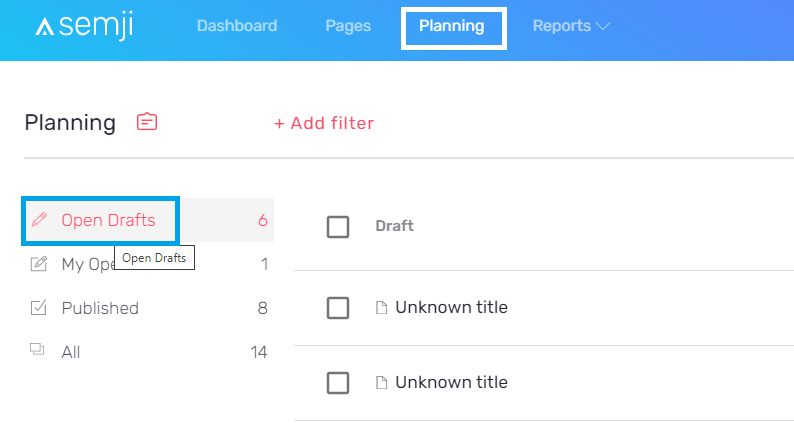
Once you have imported the content you want to optimize, you need to edit it. This means turning it into a Draft. To do so, two options : 1) Pages tab > Opportunities > click on your content’s title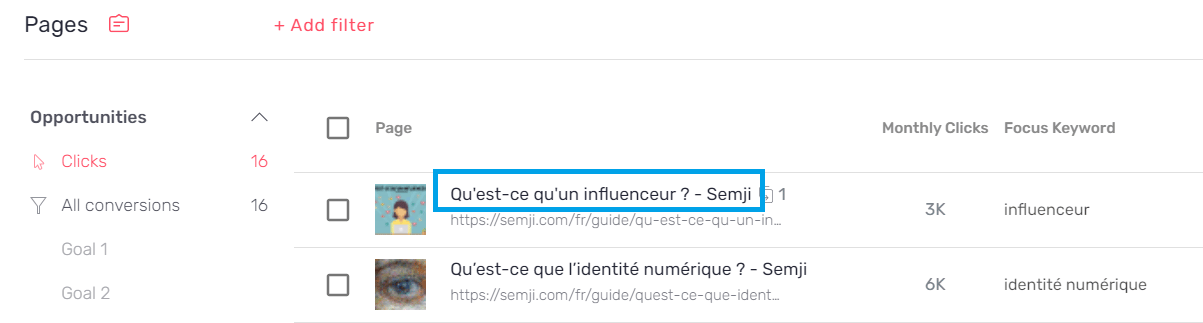

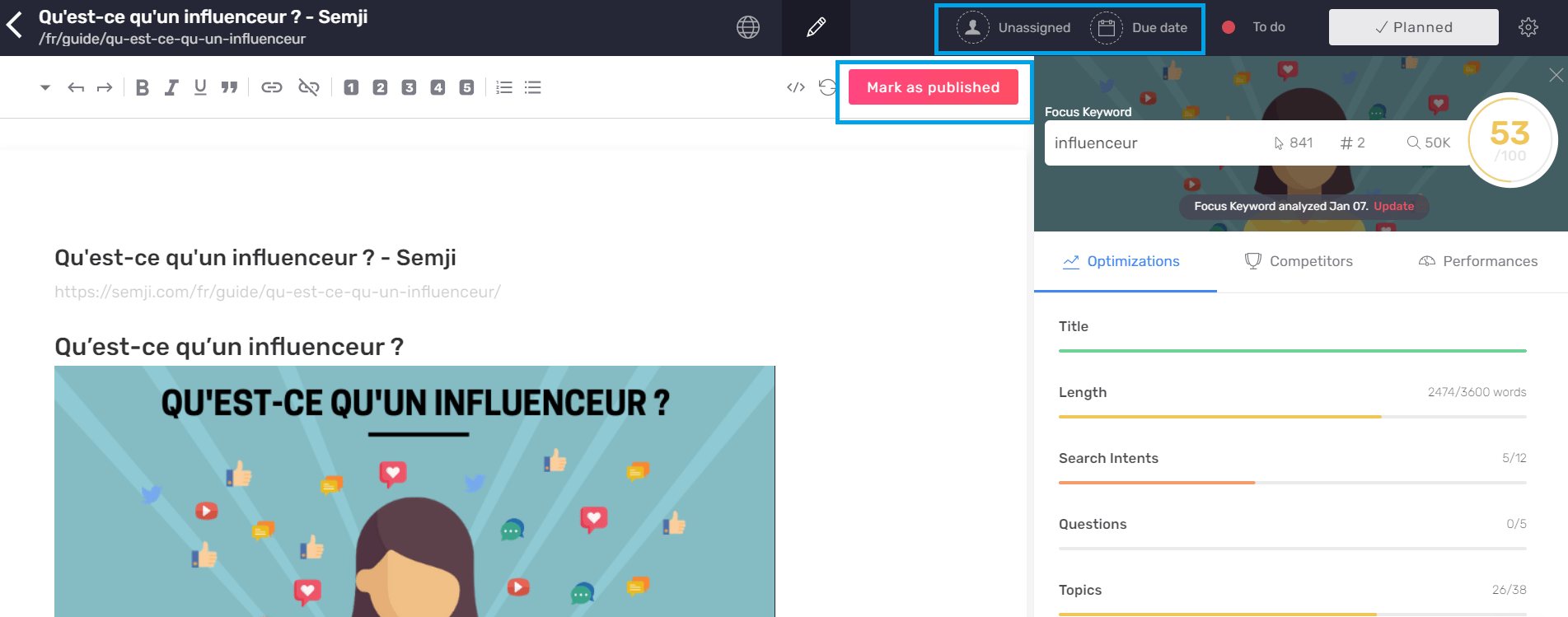
- the assignment of the draft to a person of your team
- the addition of a Due Date
- the status of the content in your workflow (To do, Doing, Done…)
- access to the HTML code
- and of course the possibility to click on the “Mark as Published” button at the bottom of the page (to be kept as a last step, once the content is written, integrated in your CMS and published online)
Step 3: Assign content to a writer and plan its optimization
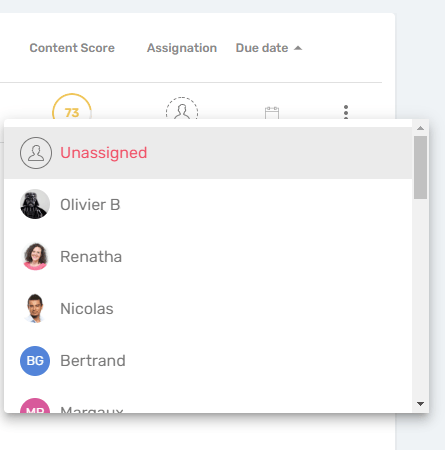
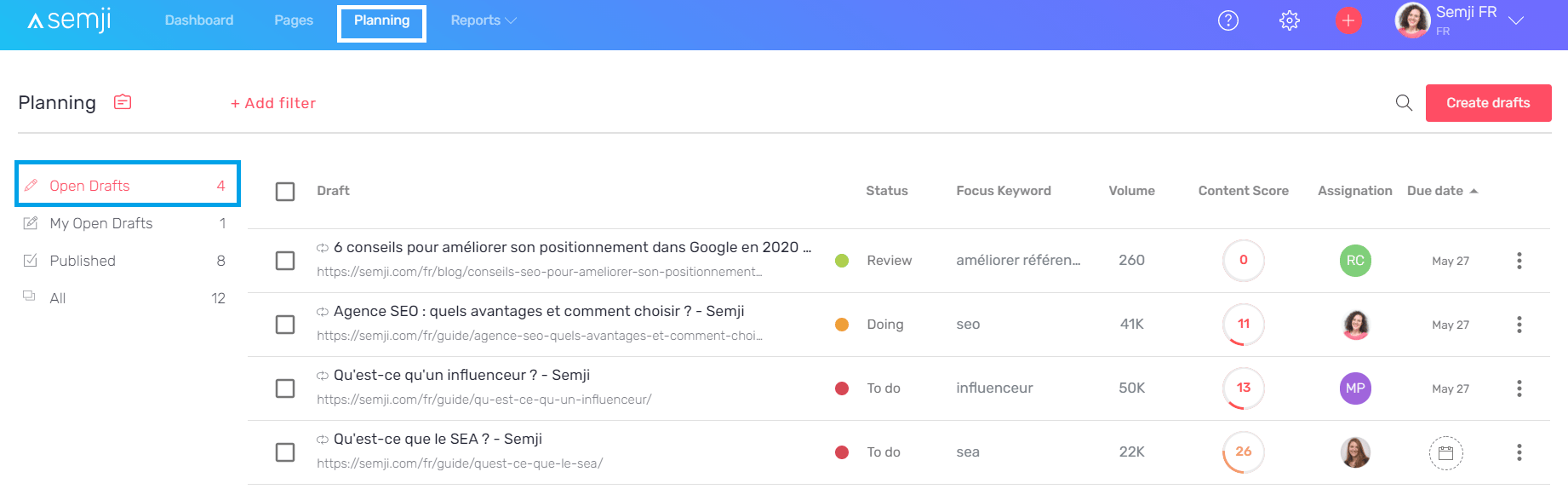
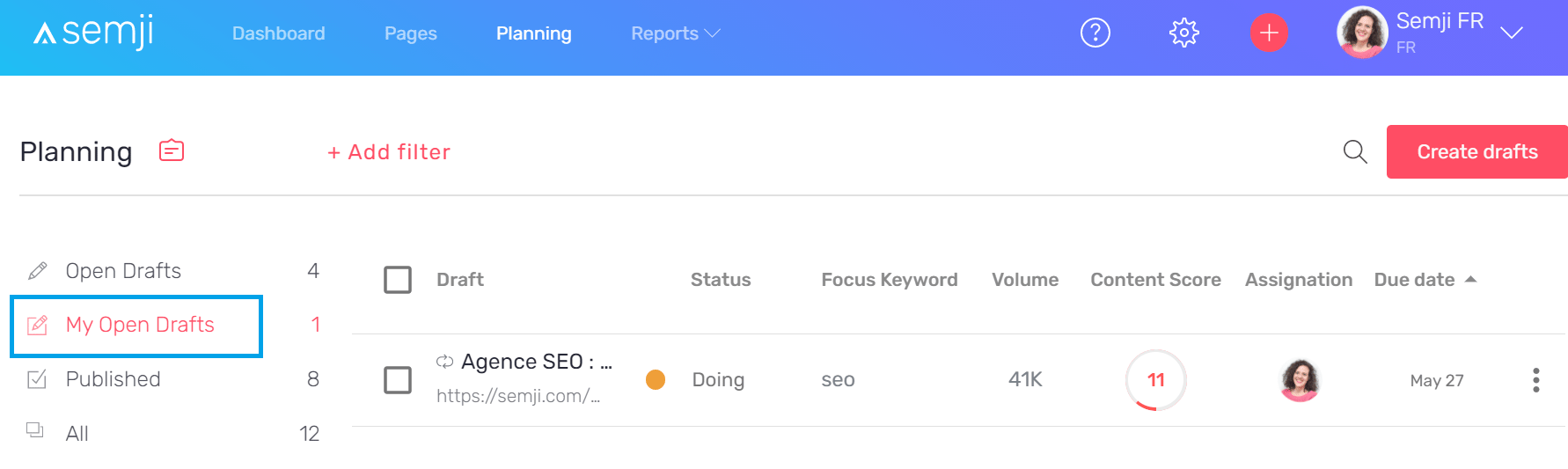
Once you have transformed your content into a Draft, make sure you assign it to the person responsible for its optimization: yourself or someone from your team. To do so, from the content Draft or directly from the Planning tab, click on the Assignment icon :
Step 4: Follow the optimization recommendations to increase the Content Score
The draft is created and you can start optimizing the imported content. In the editor interface, the Semji platform provides you with a set of concrete recommendations, based on the analysis launched at the time of import, after the choice of the Focus Keyword. Apply these recommendations to see the Content Score of your content evolve in real time: Note that these last two recommendations can only be validated and make the Content Score evolve after the content publication phase and the integration of internal links in your CMS (see step 6 below). See also our article “What is a well optimized content for SEO?” to guarantee your content a maximum performance.Step 5 : Approve content for publication (following your production workflow)
After applying all the platform’s recommendations to achieve a Content Score as close to 100 as possible, make sure you continue your production workflow: should your content be reviewed by another department? by a supervisor? Should it be published directly? By entering a new status for your content, you are indicating that you have completed the optimization and are ready to move on to the next step.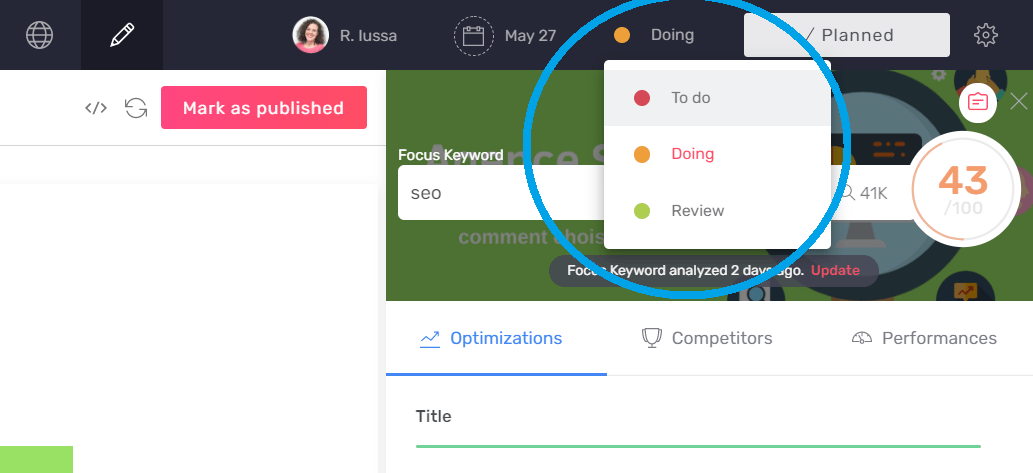
Step 6: Integrate the content and its internal links into your CMS
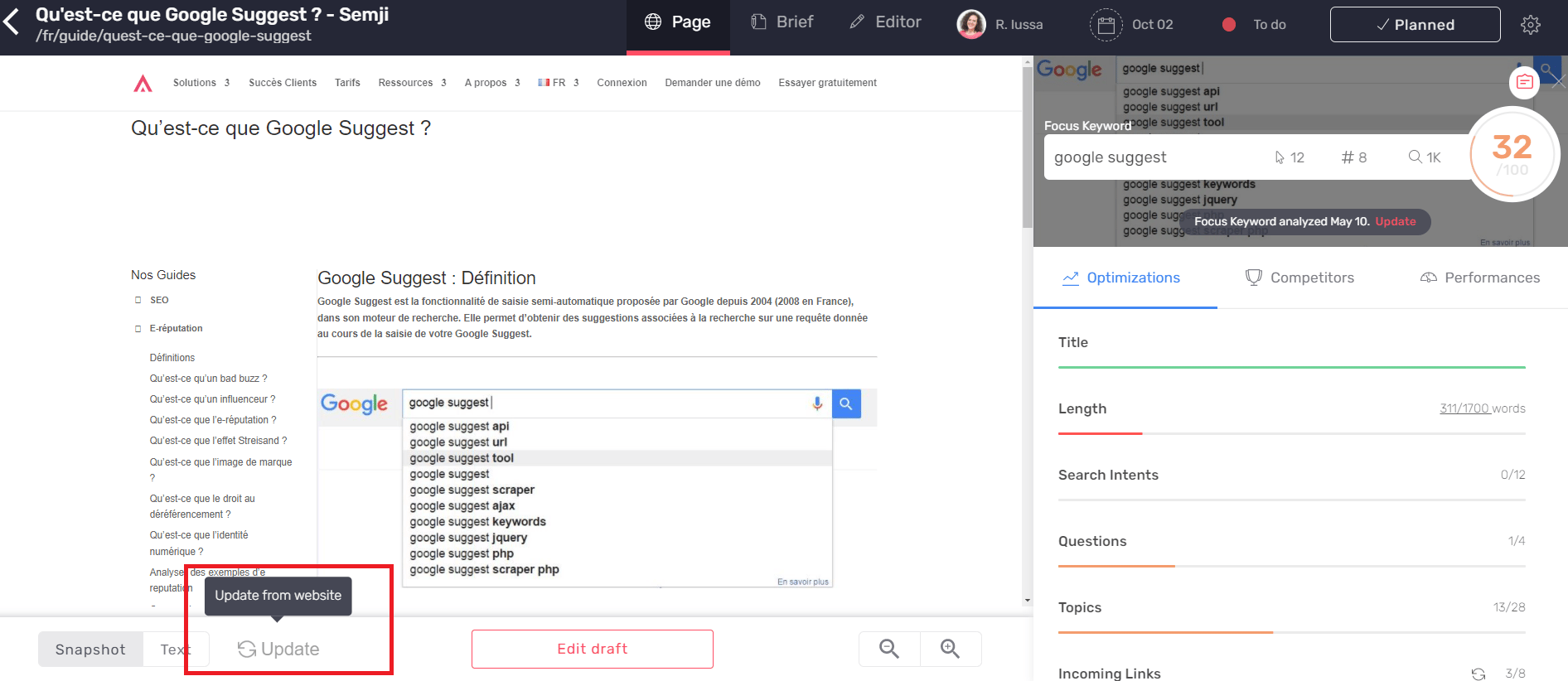
When you are sure that your content is complete, the next step is to integrate it into your CMS. You can either copy and paste the whole text you have written in the Semji editor - Hn title tags are normally kept and applied automatically in your CMS editor - or switch to HTML preview and copy the source code of the produced text. To do so, use the button at the top right of the editor interface: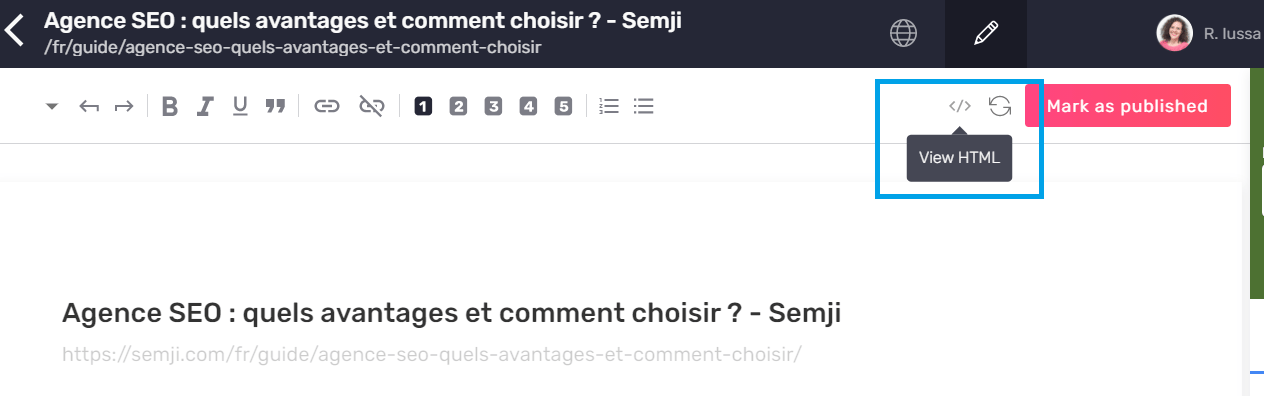
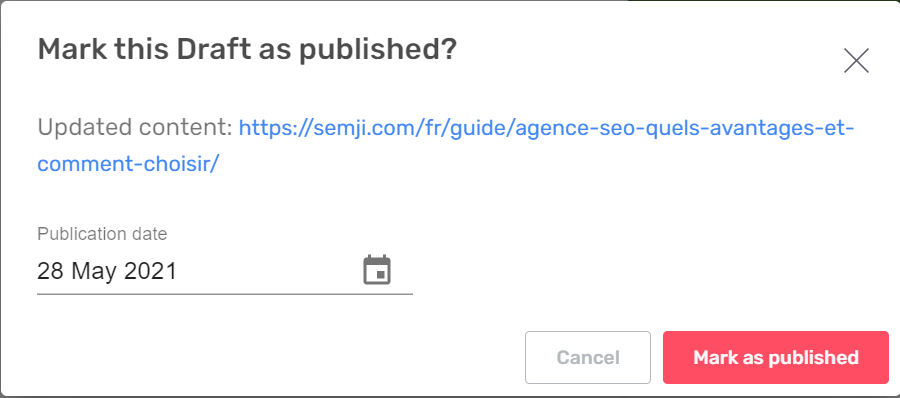
Step 7: Mark content “as Published” in Semji
Once the content is published in your CMS, go back to the corresponding Semji Draft. Then click on the “Mark as Published” button at the bottom of the content.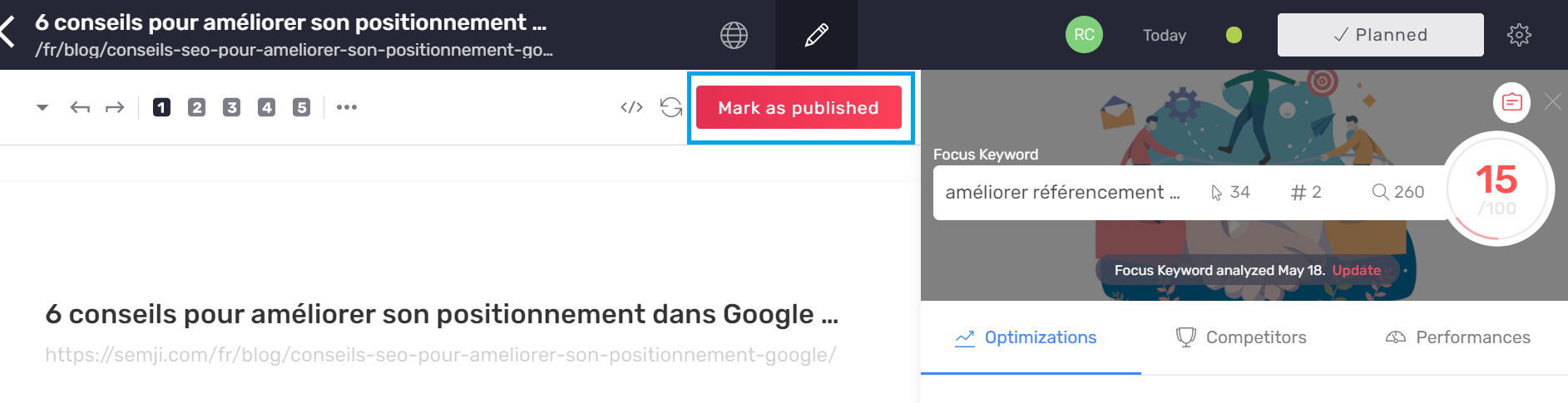
Step 8: Get your final Content Score
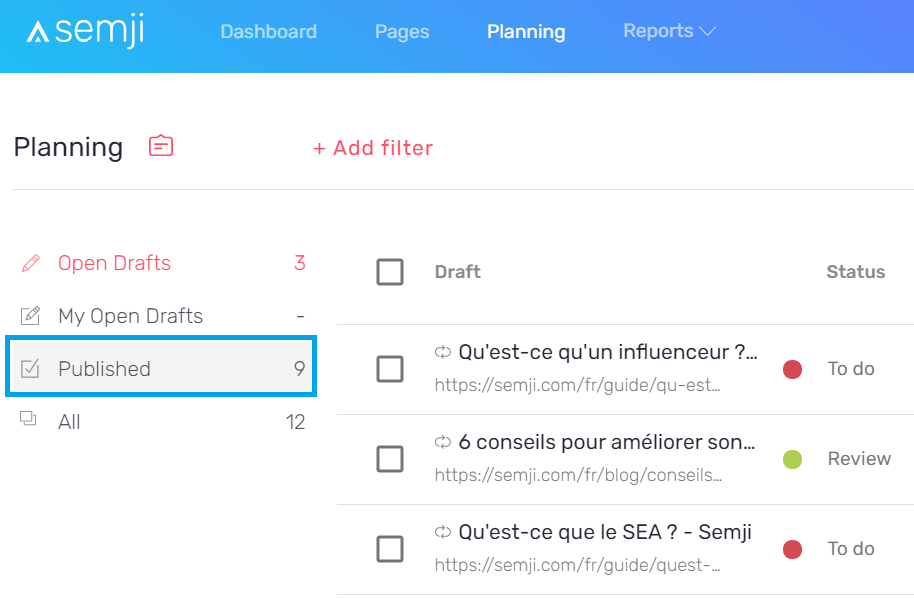
The very last step in optimizing an existing content is to obtain your final Content Score. This is made possible thanks to the integration of the internal links you have made from your CMS (the addition of inbound and outbound links to your content). Since you have clicked on “Mark as Published”, your content is now accessible from the “Published” section of your Planning tab.